Silent AR
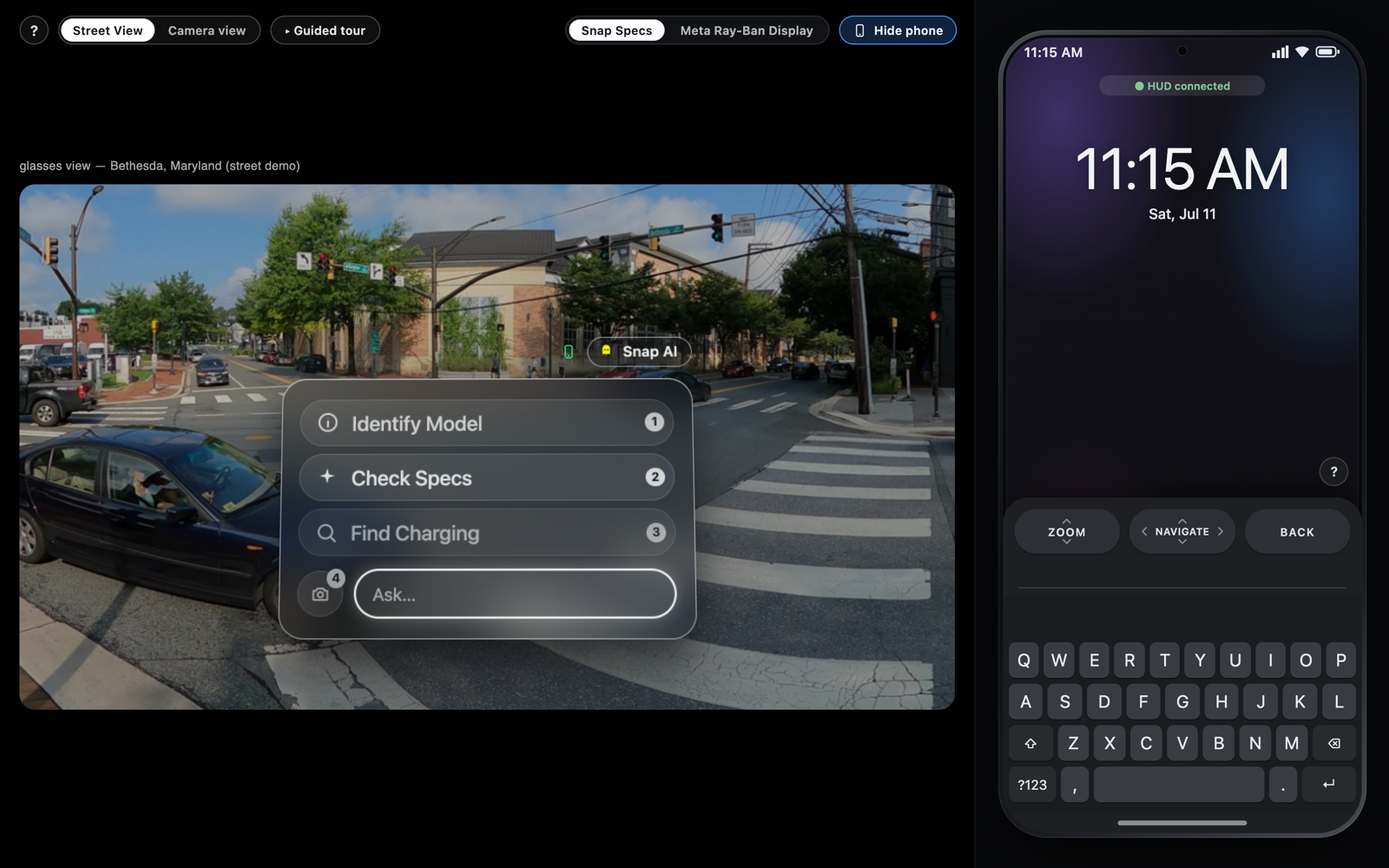
AR glasses can show you anything, but nobody has settled how you control them in public. I framed that as the category’s blocking problem and built a prototype to explore three discreet answers before committing a roadmap to any one of them.
Whoever solves discreet, socially-acceptable input wins AR glasses, not whoever ships the brightest display. So I built for input, not optics.
The problem & why it matters
Every AR glasses launch demos the display and hand-waves the input. That’s the gap. Voice is awkward in public and fails in noise; large hand gestures make you look strange on a train; reaching for the phone throws away the entire “heads-up” promise. Until there’s an input model people will actually use in front of other people, AR glasses stay a demo, not a daily device. That’s a product problem before it’s a hardware one, and it’s the one I chose to attack.
Users & the insight
The constraint isn’t ergonomics, it’s social cost. The real question a user asks isn’t “can I do this?” but “will I look strange doing this at a bus stop?” Reframing the requirement from hands-free to unnoticeable changed which solutions were even worth prototyping, and became the lens I judged every option against.
The decision: a portfolio of inputs, not a single answer
The market is racing to crown one input; I deliberately didn’t. Different moments have different constraints, so I prototyped three complementary methods and let the situation pick the winner:
- Neural Band (EMG): subtle finger gestures off a wristband turn your finger into a hidden trackpad: public, one-handed control with nothing in the air.
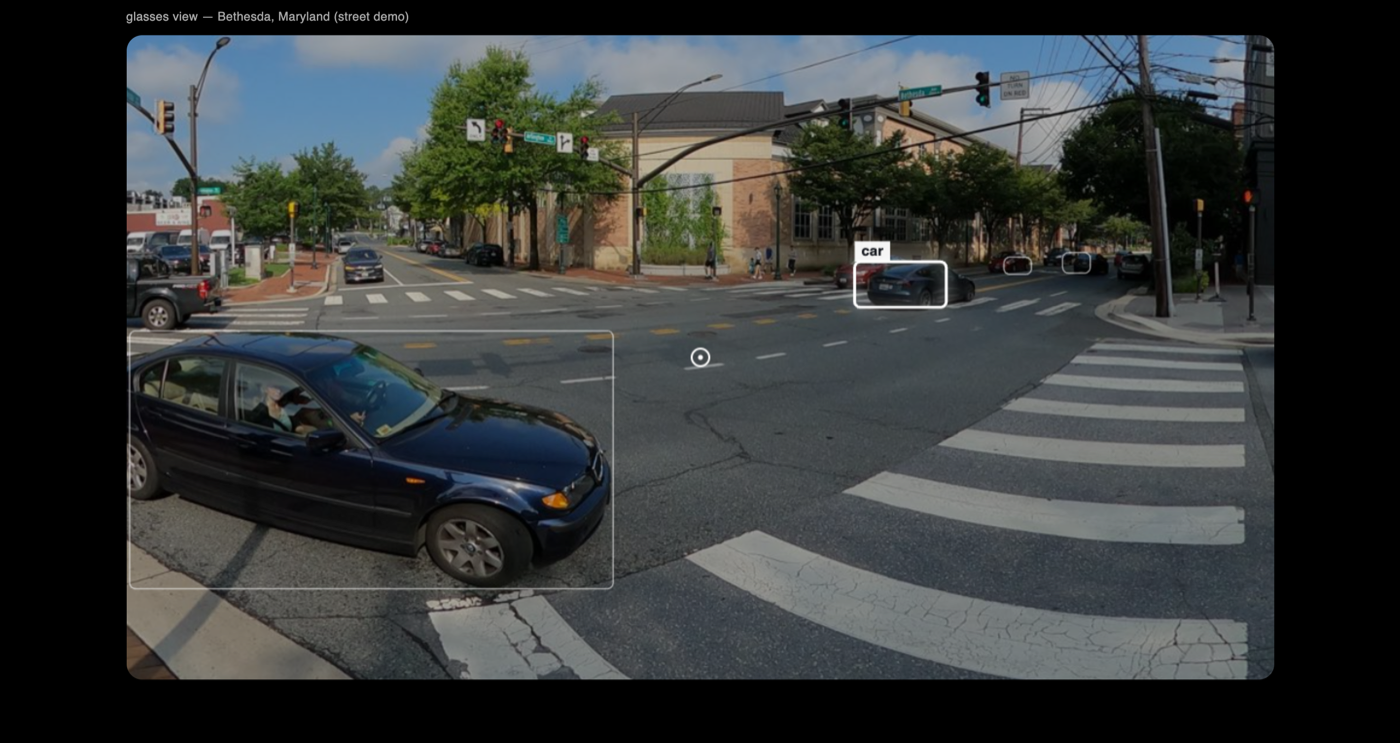
- BCI + EMG: pick objects by pointing your head, and select flickering menu targets via SSVEP; a tongue press (EMG) toggles the mode. The only fully hands-free path, for when hands are busy or must stay sterile.
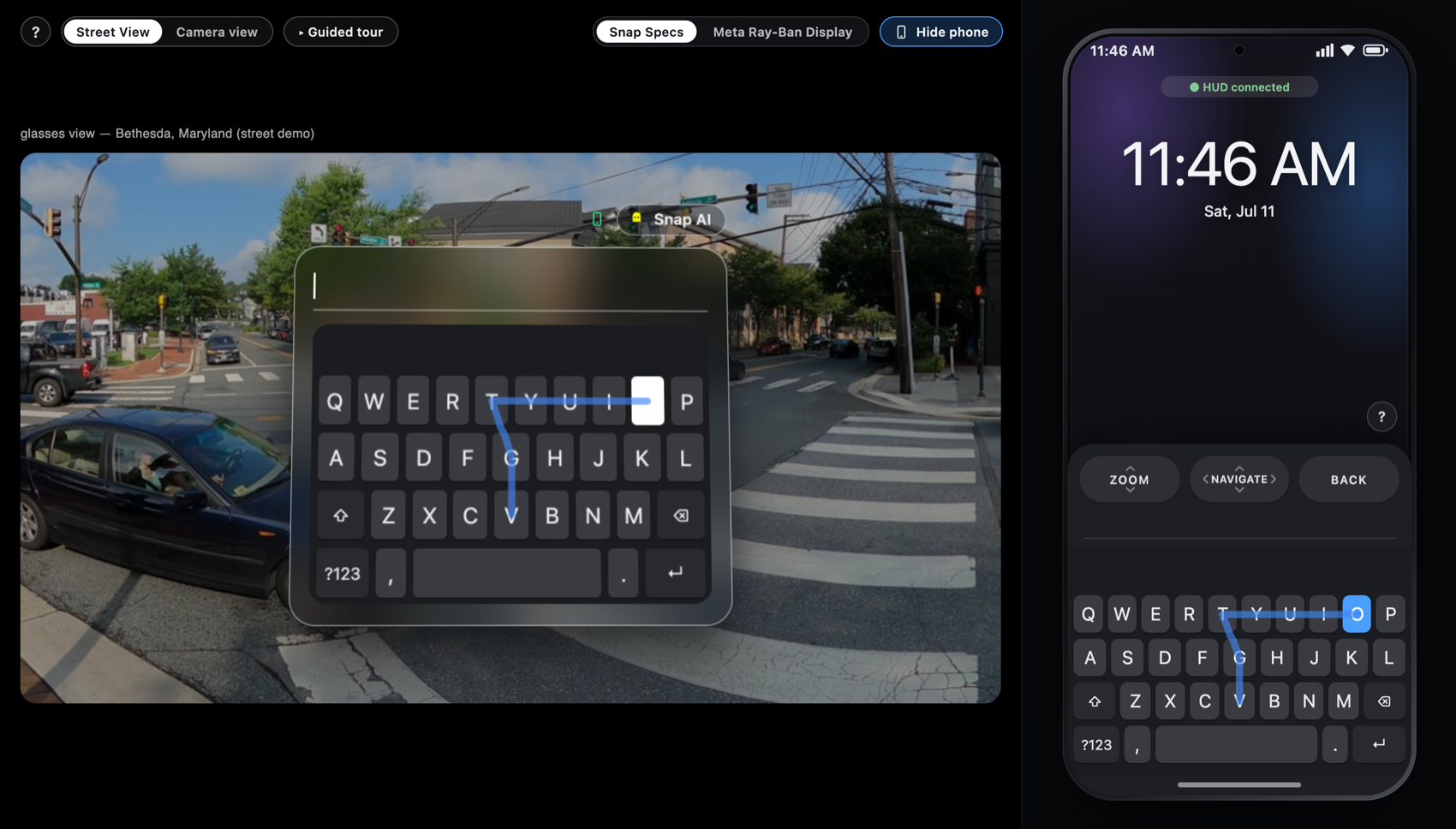
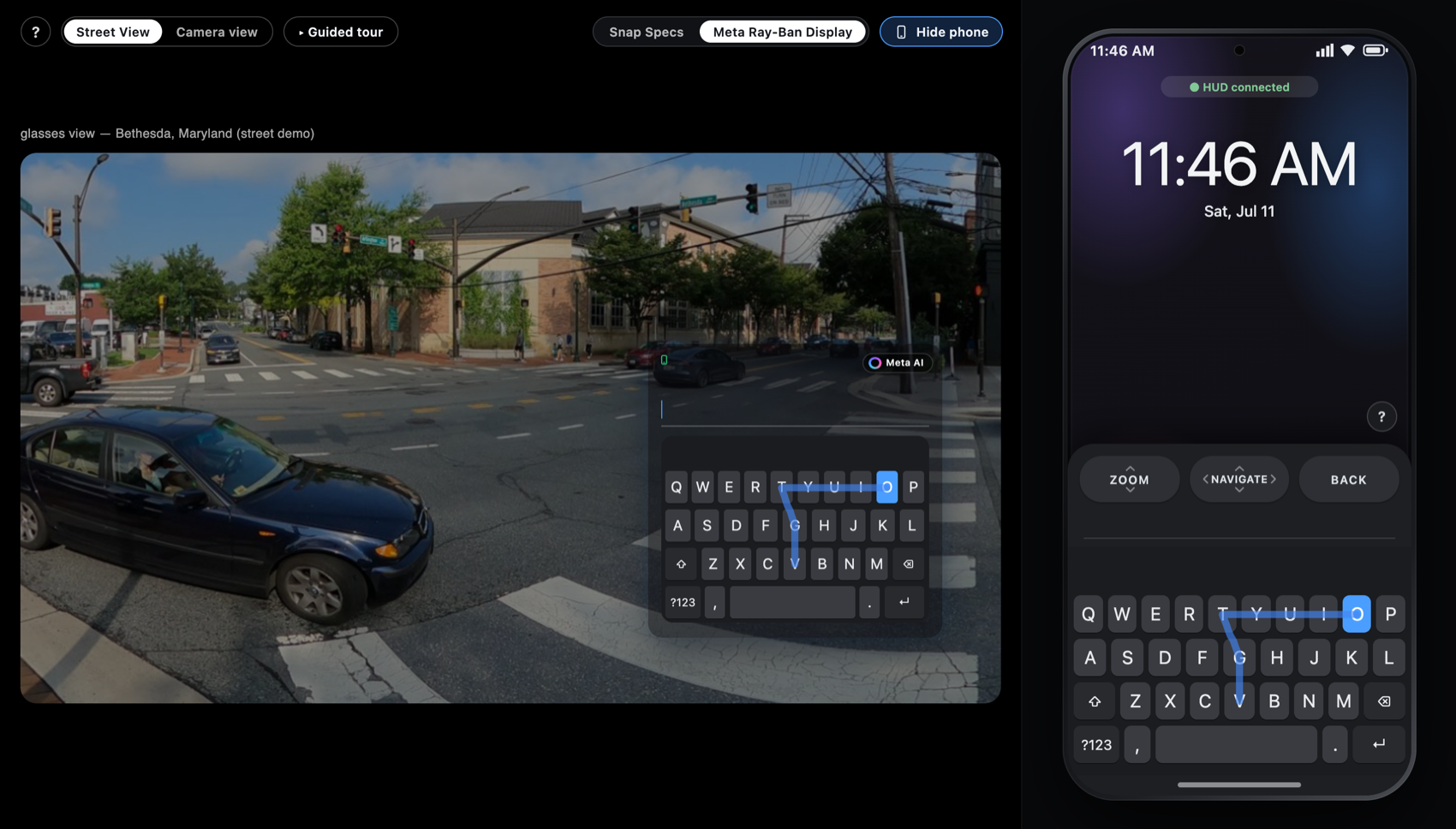
- Phone as controller: glide typing, SwiftKey-style: swipe across the keys instead of tapping, and the trail mirrors onto the glasses so your eyes stay up.
Framing these as a portfolio is itself the product decision: it hedges an unsettled market and lets real usage, not a slide, reveal which input earns each context.
Platform strategy: build for both, on purpose
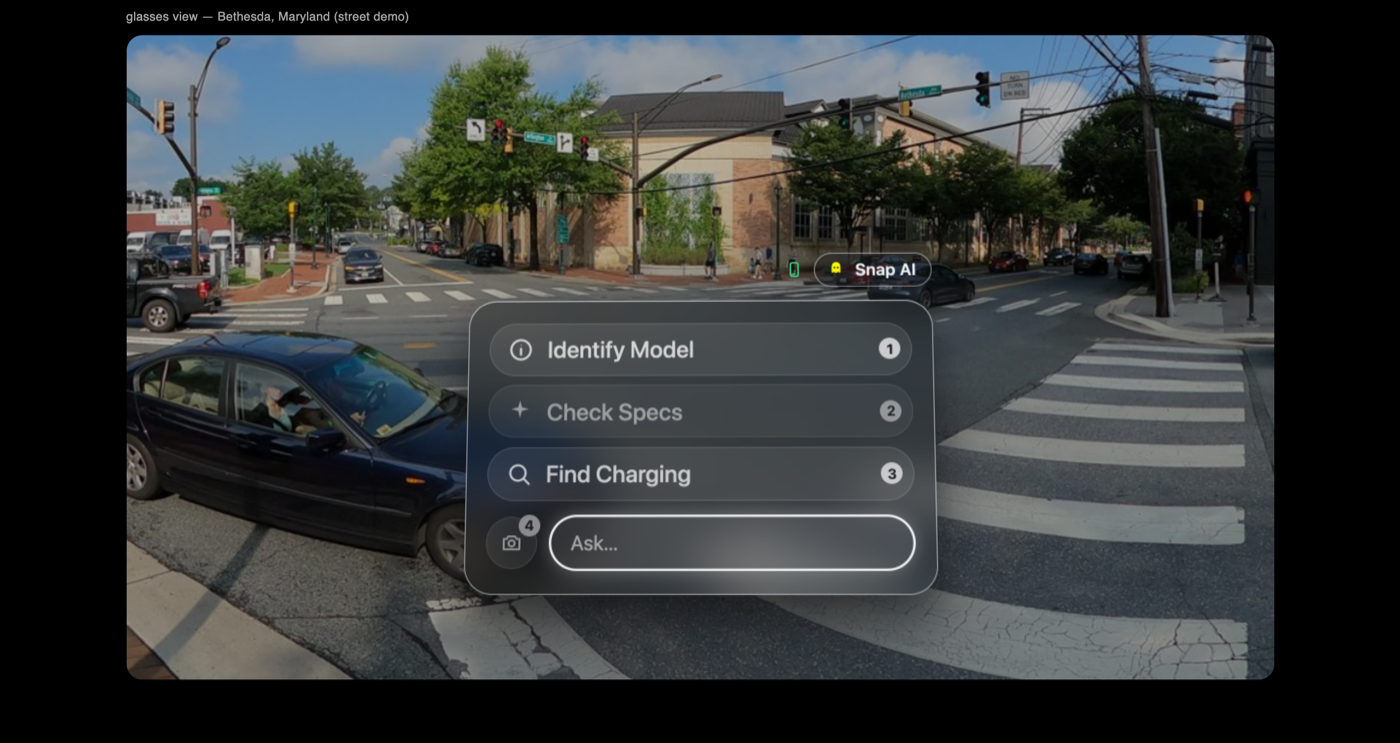
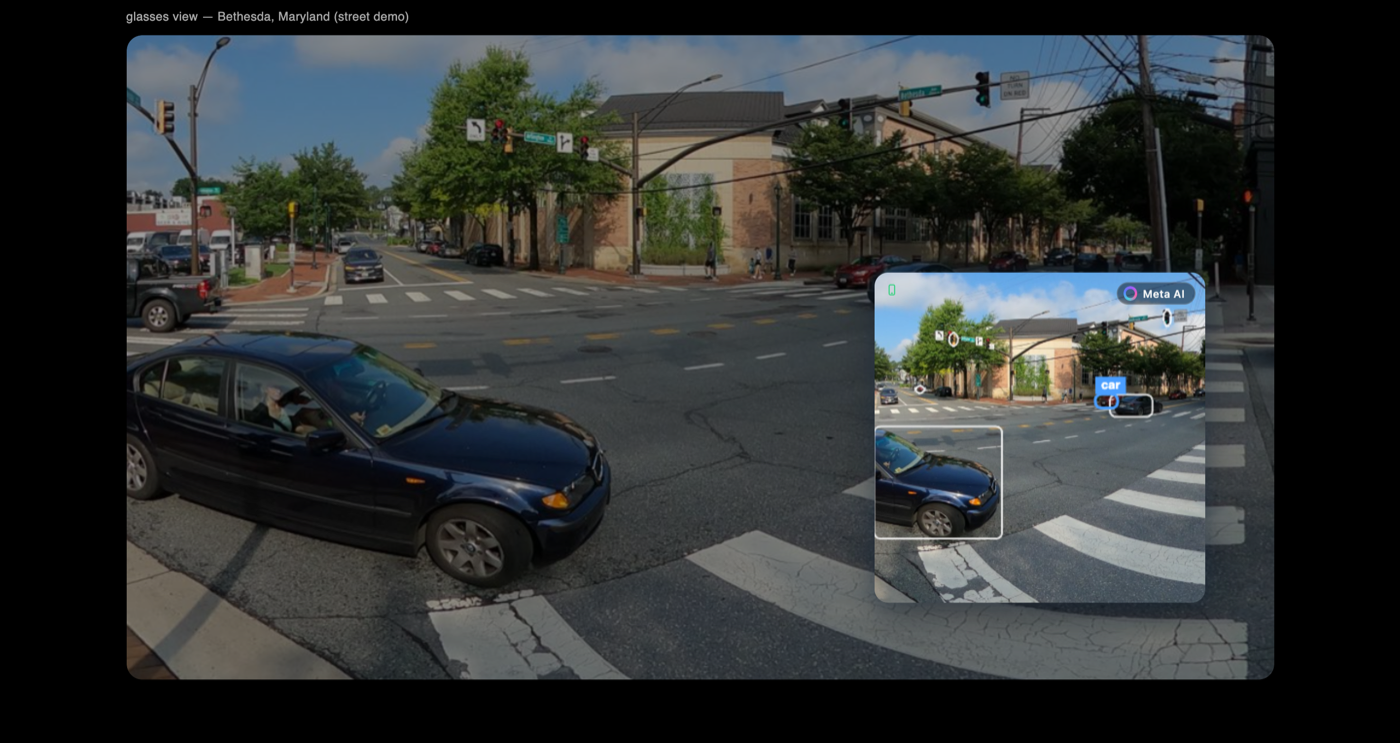
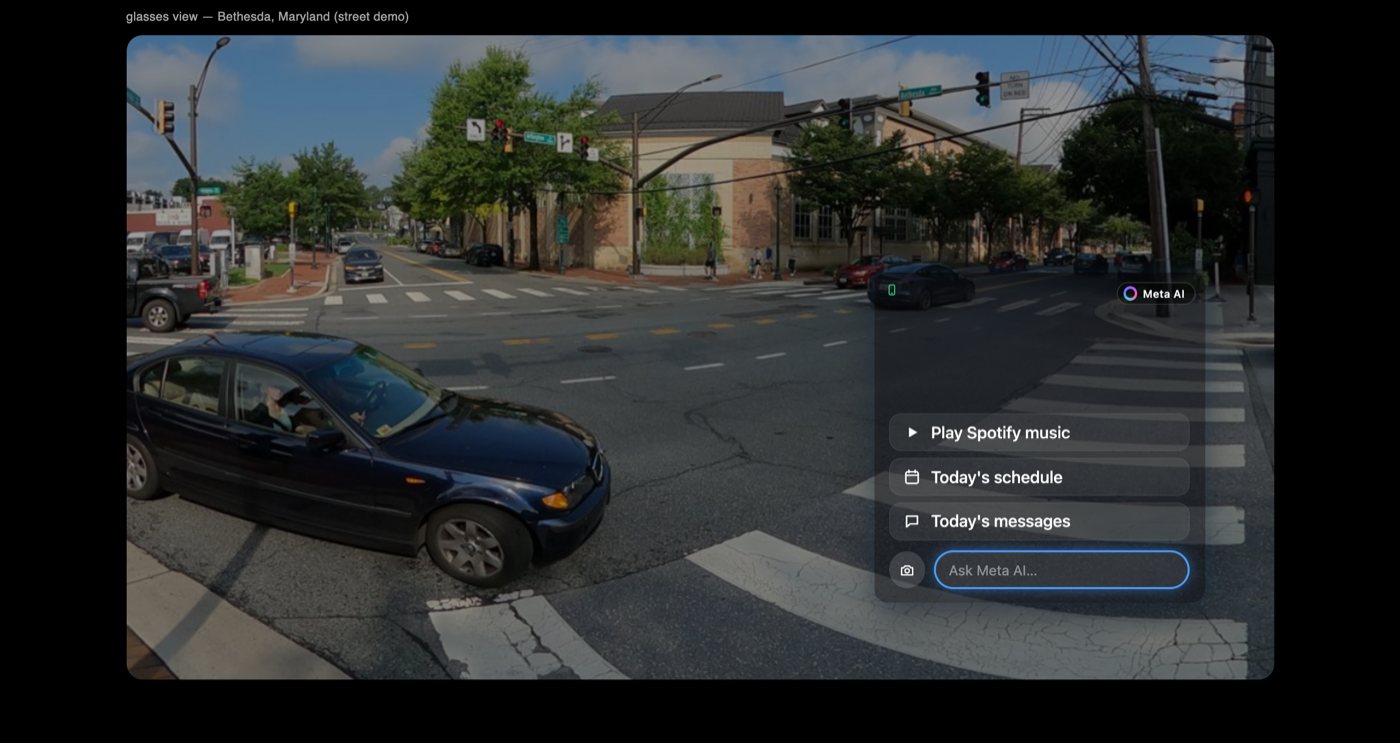
I built the same interaction language for two devices with opposite form factors: Meta Ray-Ban Display (a small corner HUD in one lens) and Snap Spectacles (full field-of-view, painted onto the world). Supporting both wasn’t indecision; it tests whether the model generalizes across the whole category rather than fitting one vendor. A live platform switch makes that portability legible to anyone evaluating it.
What this prototype de-risks (and what it doesn’t)
Headsets and wristbands are a slow, expensive way to pressure-test an idea, so I built the whole thing to run in a browser: every gesture has a keyboard/mouse stand-in over a pannable 360° street scene, no hardware and no camera prompt. A guided walkthrough opens on the mode hub, so anyone (recruiter, engineer, partner) feels the concept in two minutes. What that buys is real but bounded: it de-risks the interaction model (whether the flow is coherent, legible, and worth building) and reveals which modality people reach for. It’s a concept prototype, not a fidelity one: a laptop proxy can’t tell you whether a tongue press, a head-aim dwell, or a wristband gesture feels right or holds up in public. Only the hardware can, which is exactly what the next step is for.
How I’d measure success on a real prototype
This browser demo can only answer whether the model reads and which modality people gravitate to. The numbers that actually gate daily use come from a real, HUD-compatible build:
- Discreet-input adoption: share of interactions done silently vs. by voice, once both are available on-device.
- Task success & time-to-action per input, per context (walking, seated, hands-full).
- Social acceptability: willingness to use each method in public, measured in the field; the metric that really gates daily use.
What I’d do next
Build a real, HUD-compatible prototype (glasses paired with the Neural Band and the phone controller) and test it with users in real public settings, instrumenting the metrics above. Then let the data retire the weakest input rather than defending all three. This browser demo exists to earn that build: to prove the interaction model is worth putting on hardware, not to stand in for the hardware test.